Category: Networking

  • Meraki or Netgate for a multi-site business

    Meraki or Netgate for a multi-site business

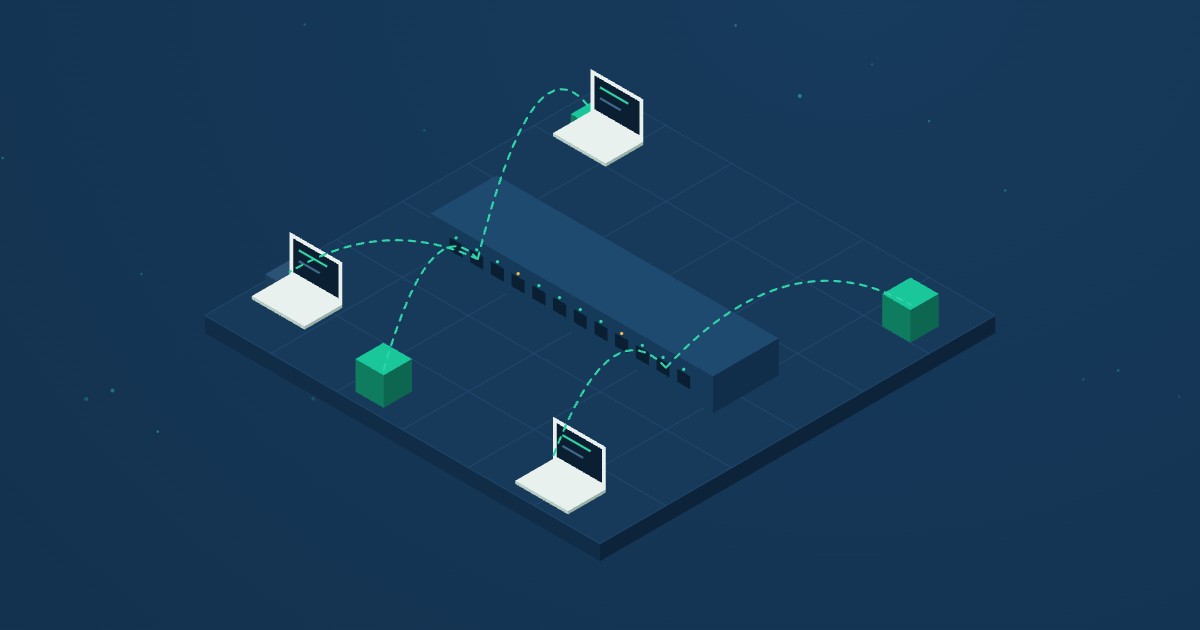
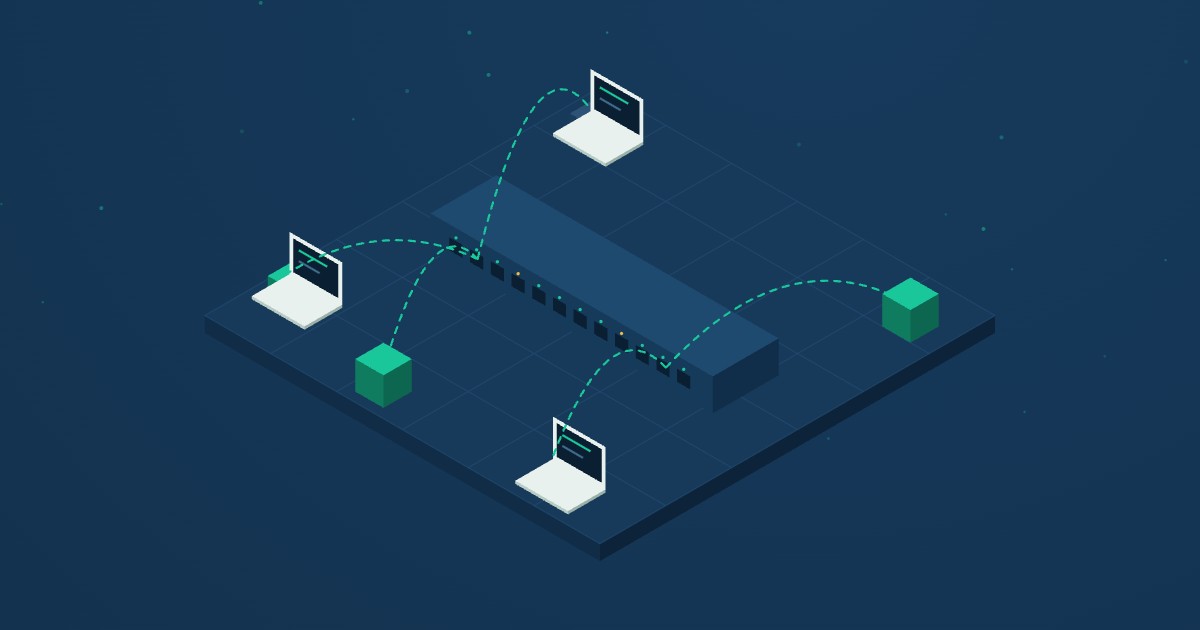
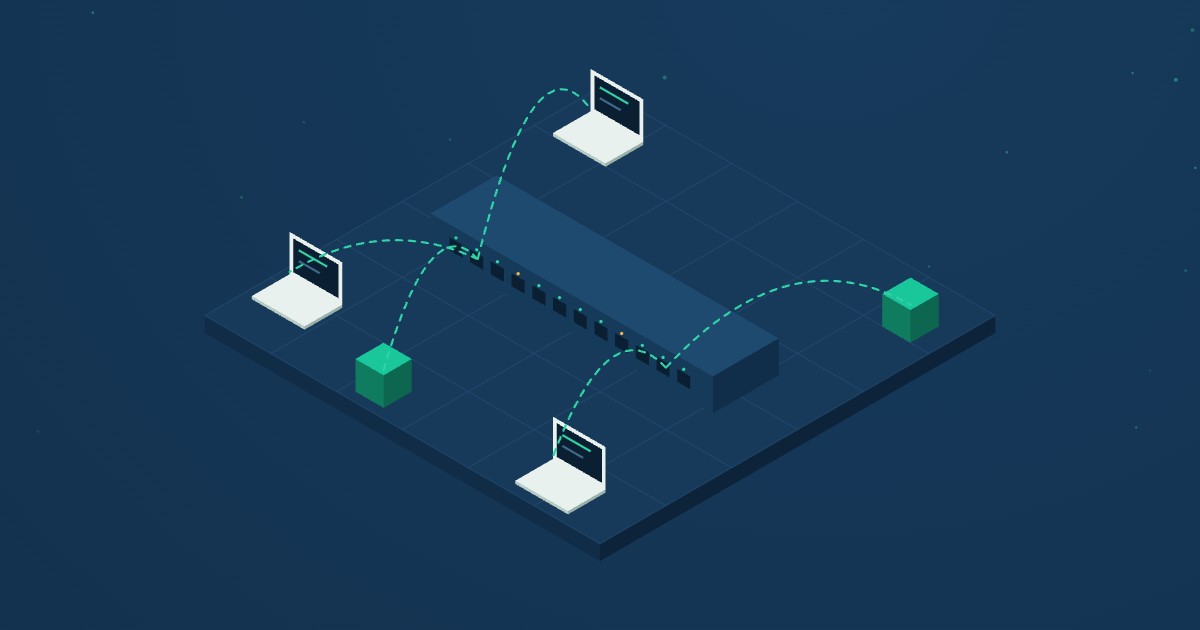
    We install and support both Cisco Meraki and Netgate firewalls, so we are often asked which one is better. The honest answer: they are built on different ideas, and the right choice depends on how your business runs.

    Meraki: simple, cloud-managed, subscription-based

    Meraki is managed from a cloud dashboard. Firewalls, switches, wireless and cameras appear in one place, and adding an office can be as simple as plugging in a pre-configured device.

    The trade-off is the license. If a Meraki license expires, the organization enters a 30-day grace period and is then shut down (Meraki documentation). Renewals are a recurring cost for every device, for as long as you own it.

    Netgate: powerful, flexible, lower ongoing cost

    Netgate appliances run pfSense Plus, one of the most widely used firewall platforms in the world: multi-WAN failover, site-to-site VPNs with IPsec or WireGuard, detailed rules, intrusion detection and add-ons such as pfBlockerNG. Ongoing software costs are typically much lower than a per-device cloud license.

    The trade-off is that flexibility needs expertise, and central management across many sites has to be planned.

    Questions that decide it

    1. Who will manage it? With a capable partner, Netgate gives more control for less ongoing cost.
    2. How fast do you add sites? Meraki shines for rapid rollouts.
    3. What do you need between sites? Complex routing, multiple internet links or a full VPN mesh often favor Netgate.
    4. What is the five-year cost? Compare hardware plus every license renewal over the life of the device.
    5. Does it have to be all or nothing? A hybrid is common: Netgate firewalls at the edge, existing Meraki access points or cameras kept where their licenses are cost-effective.

    What we have seen in practice

    We recently moved a multi-site healthcare practice from Meraki firewalls to Netgate across five locations, with site-to-site VPN and DNS filtering. For other clients, staying on Meraki was the right call.

    We will list every license and renewal date in your network and show a five-year comparison for Meraki, Netgate and a hybrid option.

    Contact us or call (469) 299-4400.
  • Business texting for practices: registration and compliance

    Business texting for practices: registration and compliance

    Patients increasingly prefer a text to a phone call for reminders, confirmations and quick questions. Modern business phone platforms make texting from your main number easy. But there are rules.

    Carrier registration

    US carriers require businesses sending texts from regular local numbers to register their brand and the purpose of their messages, known as 10DLC registration. Unregistered traffic may be filtered or blocked.

    Healthcare considerations

    1. Keep texts to the minimum necessary information.
    2. Get patient consent and honor opt-outs.
    3. Use a platform that keeps message records and controls access.
    4. Train staff on what should and should not be sent by text.

    Make it work well

    • Route texts to the right team or queue.
    • Set office-hours auto replies.
    • Make sure your network and firewall support the phone platform reliably.

    We set up business texting on the leading cloud phone platforms. See Phone Systems.

    Contact us or call (469) 299-4400.
  • Moving your phone system to the cloud: what to check first

    Moving your phone system to the cloud: what to check first

    Moving to a modern cloud or hosted phone system brings real benefits: answer from anywhere, smart routing between offices, business texting and often lower costs. But phones are the one system everyone notices the moment it breaks.

    Before you choose a system

    1. Count what you really use: extensions, numbers, fax lines, queues, auto attendants, paging, door phones and alarm lines.
    2. Decide what to add: mobile apps, texting, call recording, CRM or EHR integration, voicemail to email.
    3. Think about compliance: healthcare needs care with patient information, and business texting requires carrier registration (10DLC) before sending to customers.

    Check the network first

    1. Enough bandwidth for every concurrent call at every site.
    2. Quality of service so voice is prioritized.
    3. Firewall settings: SIP helper features on some firewalls cause one-way audio and dropped calls.
    4. A second internet connection with automatic failover.
    5. PoE switches and phones on a UPS.

    Plan the number port carefully

    Gather bills and account details, list every number, and keep the old service active until the new one is confirmed working.

    Roll out in stages

    Pilot with a small group, train staff, cut over on a quiet day, and review call quality after a week.

    Pari Data offers business phone systems from all the leading cloud platforms, and because we also manage firewalls, we fix the call-quality issues phone-only vendors often cannot.

    Contact us or call (469) 299-4400.
  • Five firewall changes that take an hour and stop real attacks

    Five firewall changes that take an hour and stop real attacks

    Most firewalls in small and mid-sized businesses were configured on install day, by someone who has since moved on, and have not been reviewed since. Rules pile up. Temporary openings become permanent. Firmware falls behind.

    The good news: a few focused changes close most of the doors attackers walk through. On a well-managed firewall, these take about an hour.

    1. Take the management page off the internet

    The firewall admin page and SSH should never be reachable from the public internet. Allow management only from your internal network, from a VPN, or from a short list of trusted addresses.

    2. Clean out old port forwards and any-any rules

    Every open port is a door. For each port forward and inbound rule ask: who asked for this, is it still needed, and can it be limited to specific source addresses? Remote desktop open to the internet is still one of the most common ways ransomware gets in. Put remote access behind a VPN with multi-factor authentication.

    3. Patch the firewall itself

    Firewalls are software and get vulnerabilities like everything else. Check the firmware version, read the release notes, schedule the update in a maintenance window and keep a configuration backup first. If a device is past its vendor support date, plan its replacement now.

    4. Control outbound traffic, not just inbound

    Most firewalls allow everything out, which lets malware call home and data leave quietly. Block known malicious destinations with DNS filtering and threat feeds, restrict outbound DNS to approved resolvers, and limit servers to the destinations they need. On Netgate and pfSense, packages such as pfBlockerNG make this practical.

    5. Turn on logging and alerts that someone reads

    Send logs to a central place, alert on configuration changes and repeated failed logins, and make sure alerts go to a monitored mailbox, not to a former employee.

    Bonus: back up the configuration

    An automatic, off-device copy of the firewall configuration turns a dead firewall from a multi-day outage into a short swap.

    Pari Data manages firewalls for clients in healthcare, aerospace, finance and hosting. Our free firewall review gives you a plain-language snapshot and a prioritized list of fixes.

    Contact us or call (469) 299-4400.

  • Connecting offices securely with site-to-site VPN

    Connecting offices securely with site-to-site VPN

    When a business has more than one location, the offices need to share applications, files, phones and printers. A site-to-site VPN connects them over the internet through an encrypted tunnel between firewalls.

    Common designs

    • Hub and spoke: every branch connects to headquarters or the data center.
    • Full mesh: every office connects directly to every other office.
    • Hybrid: branches connect to two hubs for resilience.

    Choices that matter

    1. Protocol: IPsec is widely compatible; WireGuard is fast and simple to manage on supported firewalls.
    2. Redundancy: two internet connections per site, with automatic failover.
    3. Routing: clear address planning so offices do not overlap.
    4. Security: only allow the traffic each site needs, not everything.
    5. Monitoring: alerts when a tunnel drops.

    Hardware

    Netgate firewalls handle multi-site VPNs very well at modest cost. Meraki makes it simple for cloud-managed networks.

    We design and manage multi-site networks for healthcare, aerospace and retail clients.

    Contact us or call (469) 299-4400.

  • Why your guest Wi-Fi should never see your servers

    Why your guest Wi-Fi should never see your servers

    In many offices, everything shares one network: staff PCs, servers, printers, phones, cameras, guest Wi-Fi and the smart TV in the conference room. It is simple, and it is risky. One infected or untrusted device can reach everything else.

    What segmentation means

    Segmentation splits the network into separate zones, usually with VLANs, and lets the firewall decide what can talk to what. A guest phone can reach the internet but not your file server. A camera can reach its recorder but not your accounting system.

    Common zones

    • Staff computers
    • Servers
    • Guest Wi-Fi
    • Phones and voice equipment
    • Printers, cameras and building systems
    • Medical or industrial devices, where relevant

    Why it matters

    • It limits how far an attacker can move after getting in.
    • It keeps unmanaged devices away from sensitive data.
    • It helps with HIPAA and PCI requirements.
    • It makes troubleshooting easier.

    Most business firewalls, including Netgate and Meraki, support segmentation with the switches and access points you may already own.

    We design and implement network segmentation for offices, clinics and warehouses.

    Contact us or call (469) 299-4400.