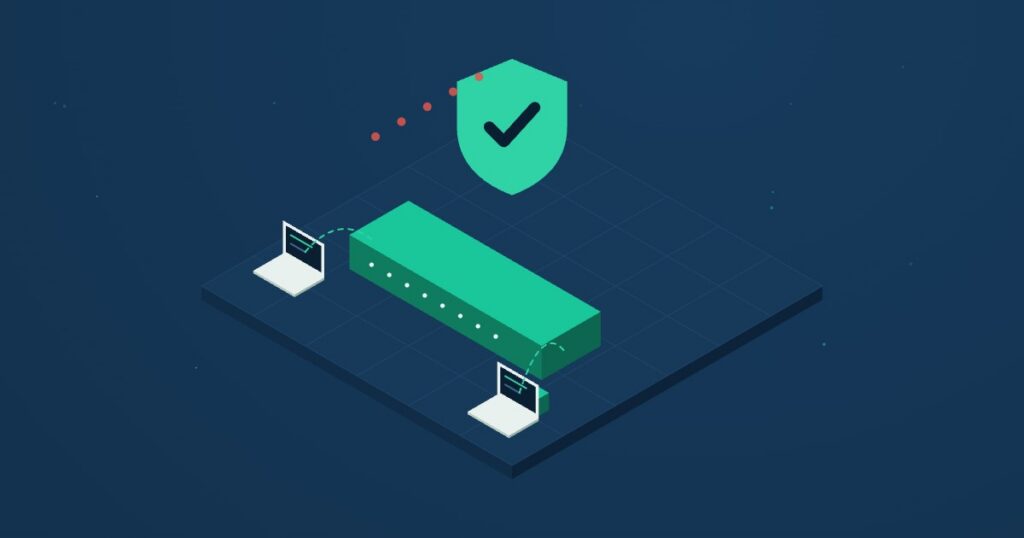
Every time someone clicks a link, or malware tries to call home, the computer first asks a simple question: what is the address for this name? That lookup is DNS. DNS filtering answers it with a check: is this destination safe? If not, the connection never happens.
What DNS filtering stops
- Phishing sites, including domains created hours before an attack
- Malware downloads and command-and-control servers
- Ransomware that needs to reach its operators before doing damage
- Unwanted categories such as gambling, adult content or unapproved AI and file-sharing sites
- Lookalike domains impersonating your bank, vendors or Microsoft
Why it suits small and mid-sized businesses
- It is fast to deploy: point the firewall or devices at the service and protection starts.
- It follows the user: a small agent protects laptops at home and on public Wi-Fi.
- It barely touches performance.
- It gives visibility: reports often reveal an infected machine early.
How we roll it out
- Network-wide filtering on the firewall, with DNS bypass blocked on Netgate and pfSense.
- Roaming agents on laptops for remote staff.
- Policy tuning after a week or two of monitoring.
DNS filtering is a layer, not a complete solution. It works best alongside managed EDR, a well-maintained firewall, MFA and backups.
We can run DNSFilter on your network for a short trial and show you what it blocks.
Contact us or call (469) 299-4400.