Author: Pavan Agrawal

  • Five firewall changes that take an hour and stop real attacks

    Five firewall changes that take an hour and stop real attacks

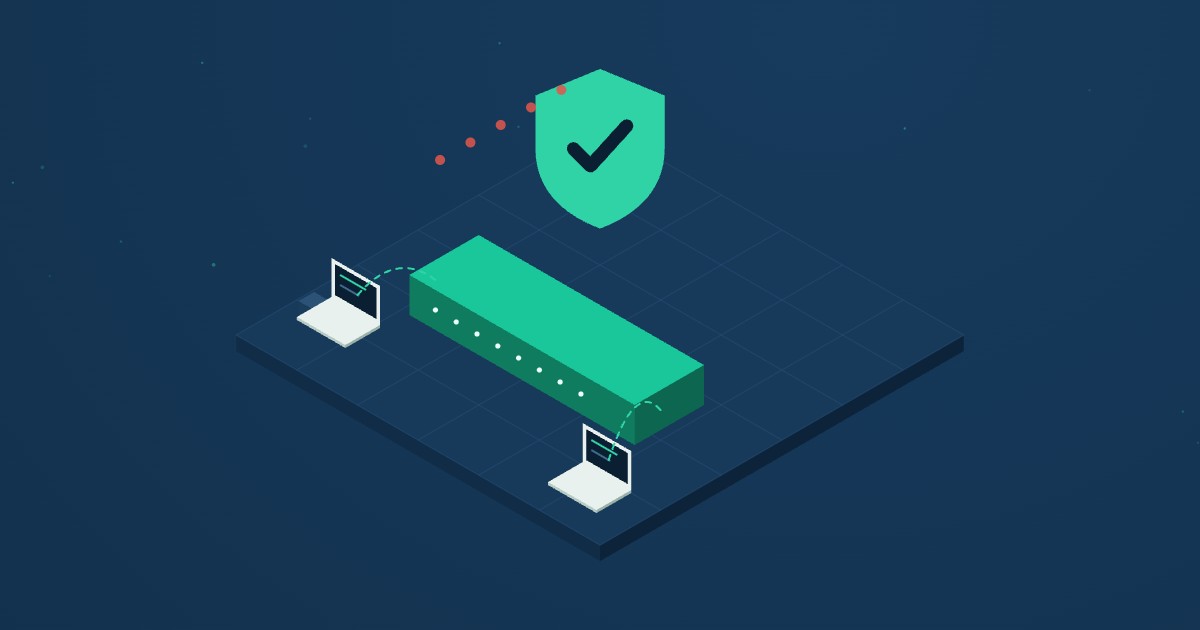
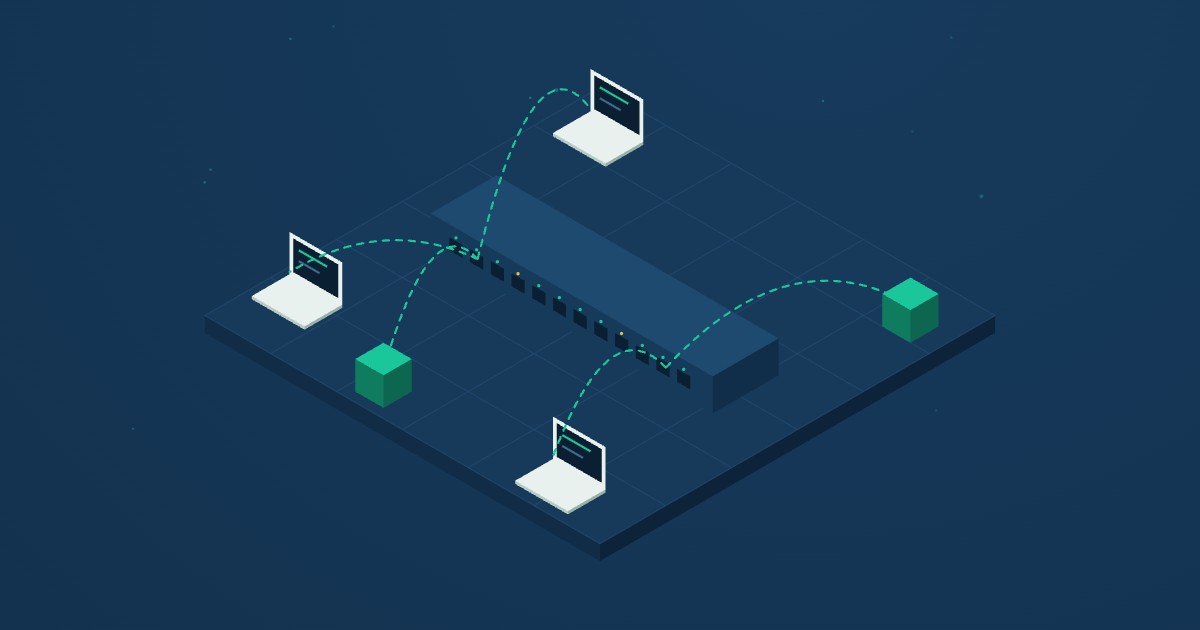
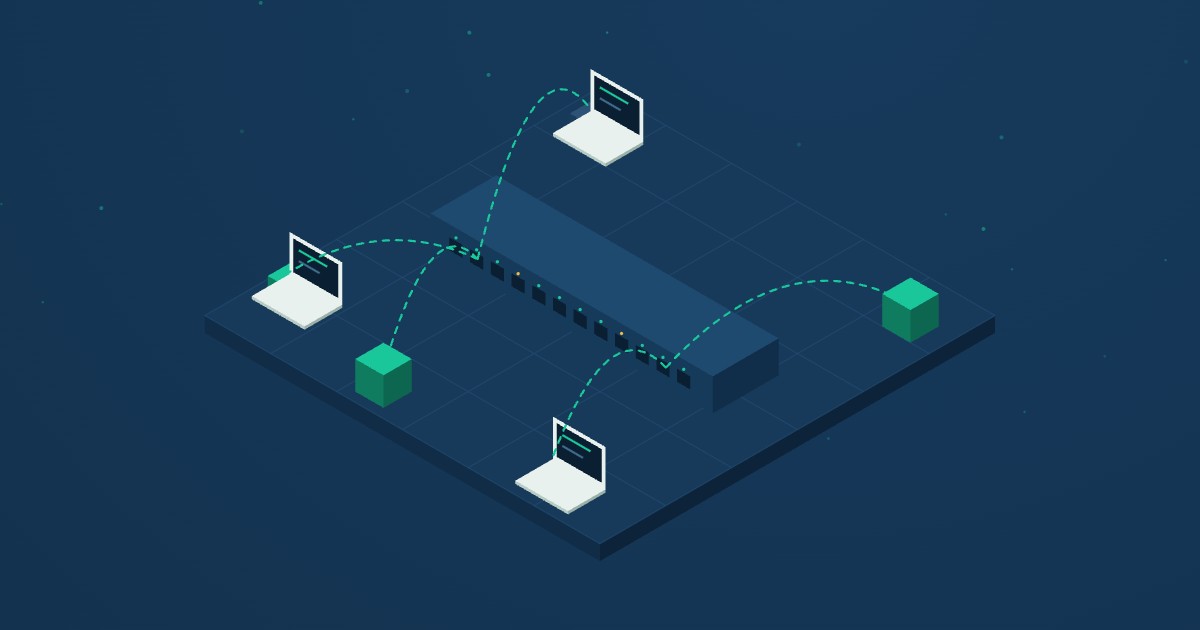
    Most firewalls in small and mid-sized businesses were configured on install day, by someone who has since moved on, and have not been reviewed since. Rules pile up. Temporary openings become permanent. Firmware falls behind.

    The good news: a few focused changes close most of the doors attackers walk through. On a well-managed firewall, these take about an hour.

    1. Take the management page off the internet

    The firewall admin page and SSH should never be reachable from the public internet. Allow management only from your internal network, from a VPN, or from a short list of trusted addresses.

    2. Clean out old port forwards and any-any rules

    Every open port is a door. For each port forward and inbound rule ask: who asked for this, is it still needed, and can it be limited to specific source addresses? Remote desktop open to the internet is still one of the most common ways ransomware gets in. Put remote access behind a VPN with multi-factor authentication.

    3. Patch the firewall itself

    Firewalls are software and get vulnerabilities like everything else. Check the firmware version, read the release notes, schedule the update in a maintenance window and keep a configuration backup first. If a device is past its vendor support date, plan its replacement now.

    4. Control outbound traffic, not just inbound

    Most firewalls allow everything out, which lets malware call home and data leave quietly. Block known malicious destinations with DNS filtering and threat feeds, restrict outbound DNS to approved resolvers, and limit servers to the destinations they need. On Netgate and pfSense, packages such as pfBlockerNG make this practical.

    5. Turn on logging and alerts that someone reads

    Send logs to a central place, alert on configuration changes and repeated failed logins, and make sure alerts go to a monitored mailbox, not to a former employee.

    Bonus: back up the configuration

    An automatic, off-device copy of the firewall configuration turns a dead firewall from a multi-day outage into a short swap.

    Pari Data manages firewalls for clients in healthcare, aerospace, finance and hosting. Our free firewall review gives you a plain-language snapshot and a prioritized list of fixes.

    Contact us or call (469) 299-4400.
  • When private cloud hosting beats the public cloud

    When private cloud hosting beats the public cloud

    For the last decade, the default answer to almost every infrastructure question has been: move it to the public cloud. For many workloads that is still right. But a growing number of businesses are finding that their monthly cloud bill keeps climbing, nobody can fully explain it, and their applications did not get any faster or safer by moving.

    There is a middle ground that often fits small and mid-sized businesses better: managed private cloud hosting.

    What private cloud hosting means

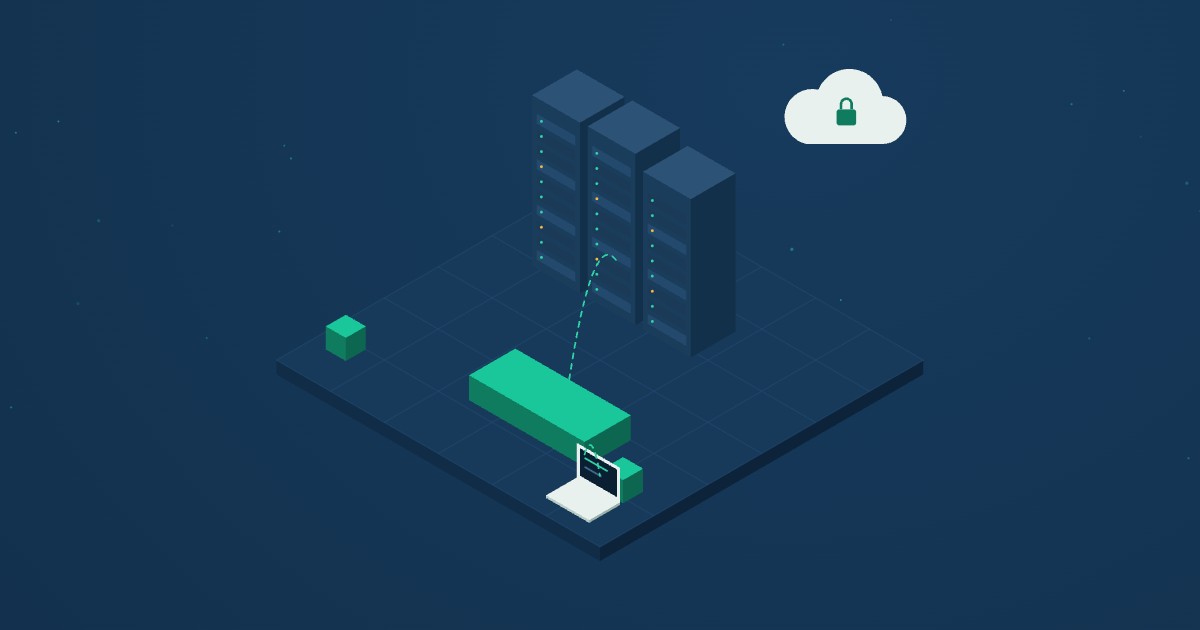
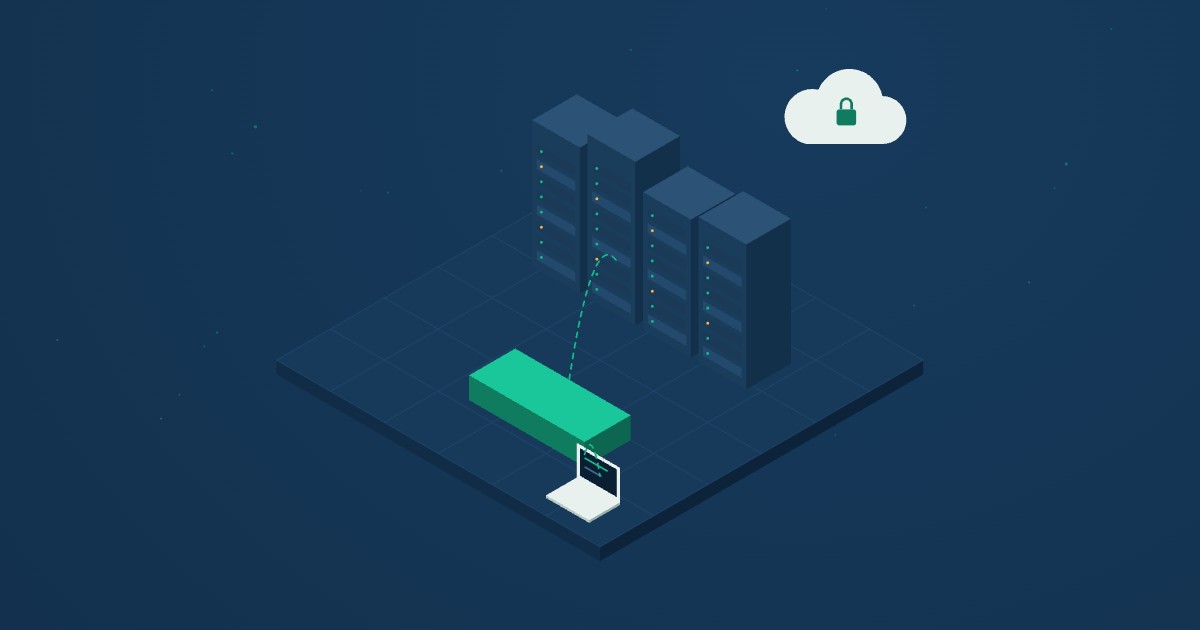
    Your servers run as virtual machines on enterprise hardware in a professional data center, on infrastructure that is not shared with the general public. You get the benefits of the cloud (no hardware to buy, redundant power and cooling, off-site location, remote access) with a fixed, predictable cost and a team you can actually call.

    Signs private cloud may be a better fit

    1. Your workloads are steady. File servers, line-of-business applications, SQL Server databases, remote desktops and VDI run all day, every day. Public cloud pricing rewards workloads that scale up and down; steady ones often cost more there.
    2. Your bill is unpredictable. Data transfer charges, storage tiers, snapshots and add-on services make public cloud invoices hard to forecast.
    3. You run Windows Server and SQL Server. Licensing on public cloud can add significantly to the cost. In a private environment it can often be structured more efficiently.
    4. You handle regulated data. Healthcare, finance and aerospace clients often want to know exactly where their data lives and who can touch it. A dedicated firewall and network segment per client makes that simple to answer.
    5. You want a human on the phone. When something is slow at 8 a.m., you want an engineer who knows your environment, not a ticket queue.

    What good hosting should include

    • A dedicated firewall for each client, not just a shared security group
    • Network segmentation so your systems are isolated from every other tenant
    • Backup with immutable copies, plus disaster recovery to a second location
    • Monitoring and patching of the platform, with planned maintenance windows
    • Secure remote access through VPN or virtual desktops, with multi-factor authentication
    • Clear, fixed monthly pricing with no surprise transfer fees

    It does not have to be all or nothing

    Hybrid is common and sensible. Microsoft 365 stays with Microsoft. Some web front ends stay in the public cloud. Databases, file servers and core applications move to private hosting where they run faster and cost less.

    How our hosting works

    Pari Data offers a managed private cloud from enterprise U.S. data centers, with enterprise virtualization, a dedicated firewall for every client, and Veeam backup and disaster recovery. We manage the environment end to end, so you have one partner instead of three.

    Send us your current cloud bill or a list of your servers and we will give you a free side-by-side cost comparison. If the public cloud is right for you, we will say so.

    Contact us or call (469) 299-4400.

  • Your staff are pasting company data into AI. Now what?

    Your staff are pasting company data into AI. Now what?

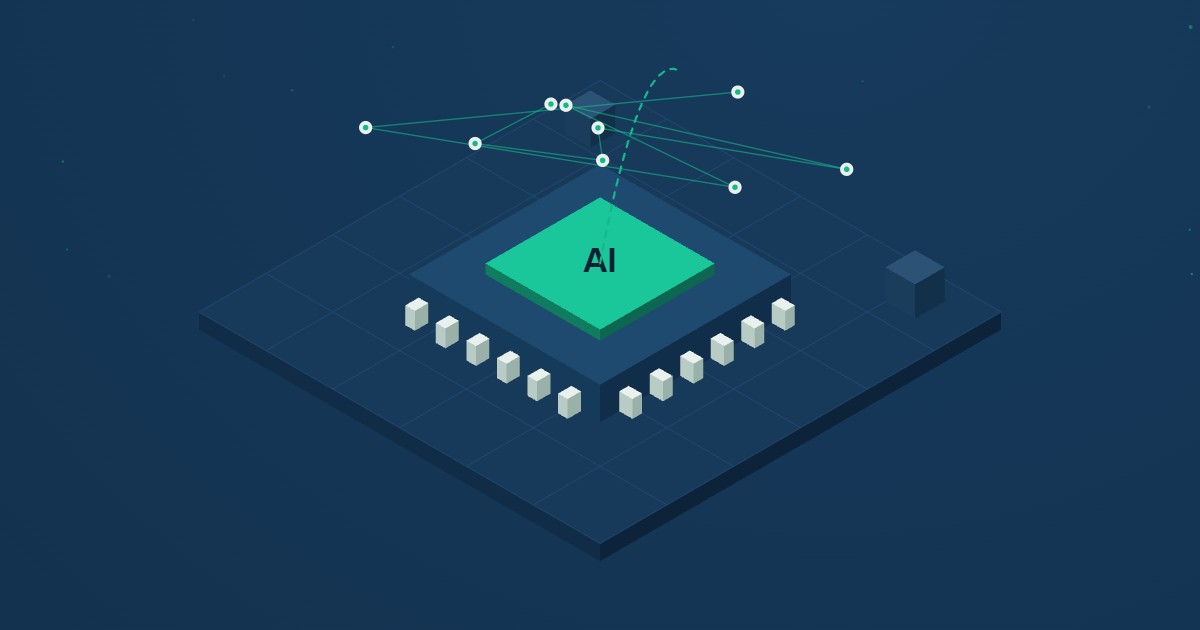
    Someone in your office uses a free AI chatbot to rewrite emails. Someone else pastes in a spreadsheet to build a summary. A manager uploads a contract to get the key terms. It saves time, and it is happening whether or not you have a policy.

    The risk is not that AI is bad. The risk is that company data leaves your control without anyone deciding that it should.

    Where the real risks are

    1. Confidential data in consumer tools, with no contract, no admin control and no way to delete it later.
    2. Regulated data. Pasting patient, card or client financial data into an unapproved tool can be a reportable incident.
    3. Wrong answers used as facts. AI produces confident, well-written mistakes.
    4. Shadow tools and browser extensions that read every page or email.

    A one-page AI policy people will follow

    1. Which AI tools are approved? Name them. If you pay for Microsoft 365, a business AI assistant inside your own tenant is usually the safest starting point.
    2. What data must never go into AI? Be specific: patient details, card numbers, passwords, client financials, anything under NDA.
    3. Who checks the output? AI drafts, a person decides.
    4. How do people ask for a new tool? A simple request path stops quiet sign-ups.
    5. What happens if a mistake is made? People should report it quickly, without fear.

    Back the policy with a few controls

    Block unapproved AI sites with DNS filtering, control browser extensions through device management, use sensitivity labels and data loss prevention in Microsoft 365, and limit who can grant third-party apps access to company data.

    Pari Data helps leadership teams put a practical AI policy and the supporting controls in place as part of our Trusted Advisor service.

    Contact us or call (469) 299-4400.

  • That was not your CEO on the phone: deepfake payment fraud

    That was not your CEO on the phone: deepfake payment fraud

    The call comes late on a Friday. It sounds exactly like the owner. There is a deal closing, the bank needs a wire today, and the details are coming by email. The voice is right, the urgency is right, and the caller knows the names of your staff.

    It was never the owner. A few seconds of audio from a podcast, a voicemail greeting or a social media video is enough for modern AI tools to clone a voice. The FBI has warned businesses that criminals use AI voice and video cloning to impersonate co-workers and business partners (FBI San Francisco), and that generative AI makes fraud more believable at scale (FBI IC3).

    Why technology alone will not stop this

    There is no reliable filter that tells you, in the moment, that a voice on the phone is fake. The defense that works is a process, decided in advance, that nobody is allowed to skip.

    Six rules that stop deepfake payment fraud

    1. Call back on a known number. Any request to move money, change bank details or share credentials is confirmed by calling the person on a number already on file.
    2. Two people for money movement. Payments above a set amount need a second approver, every time, including for the owner.
    3. Use a code word. Leadership and finance agree on a private phrase for urgent requests.
    4. Slow down urgency. No legitimate request is so urgent it cannot wait 15 minutes for verification.
    5. Lock down vendor bank changes. New or changed bank details are verified by phone with a known contact before the next payment.
    6. Limit what is public. Long executive recordings and personal details online are raw material for attackers.

    Your phone system can help

    Modern business phone systems log calls, show reliable caller information for internal extensions and make it easy to call back a known contact. A request that arrives on a personal mobile instead of the business line is itself a warning sign.

    Practice it once

    Run a simple tabletop exercise: someone plays the fake CEO, someone plays accounts payable. Most teams find a gap the first time. Better in a drill.

    Pari Data helps owners and finance teams set up payment verification rules and staff training as part of our Trusted Advisor service.

    Contact us or call (469) 299-4400.

  • AI wrote that phishing email. Here is what to change now.

    AI wrote that phishing email. Here is what to change now.

    For years, security training said the same thing: look for spelling mistakes, odd grammar and generic greetings. That advice is now out of date. Generative AI writes clean, natural, well-targeted email in any language, in seconds. The FBI has warned that these tools remove the human errors that used to be warning signs of fraud (FBI IC3 alert I-120324-PSA).

    The result is simple. If your defense depends on people spotting a badly written email, you no longer have a defense.

    What has changed

    An attacker can now read your website, your LinkedIn posts and a vendor invoice, then produce an email that sounds exactly like your office manager, your bank or your software supplier. It can reference a real project, a real person and a real due date, for a thousand targets as easily as for one.

    The goal is usually one of three things: a password typed into a fake Microsoft 365 login page, a payment sent to a new bank account, or a file opened that installs malware.

    Five changes that still work when the email looks perfect

    1. Turn on multi-factor authentication everywhere, and prefer phishing-resistant methods such as authenticator number matching or passkeys. A stolen password alone should never be enough to get into email.
    2. Block the bad link before anyone can click it. DNS filtering checks every web address a computer tries to reach and blocks newly registered and known malicious domains. Many phishing sites are only hours old.
    3. Watch the endpoint, not just the inbox. Managed endpoint detection and response, such as Huntress, has a human security team watching for what happens after a successful phish: new persistence, odd logins, remote access tools appearing.
    4. Make payment changes a phone call, not an email. Any request to change bank details or send an urgent payment is verified by calling a number you already have on file, never the number in the email.
    5. Train for the new reality. Teach people to judge the request, not the writing. Is it urgent? Does it ask for a login, a payment or a gift card? Is it unusual for this sender?

    Check your Microsoft 365 settings too

    Impersonation protection, external sender tagging and blocking legacy sign-in methods all make a real difference against AI-written phishing. See our Microsoft 365 security check.

    The bottom line

    AI did not invent phishing. It made it cheaper, faster and more convincing. The answer is layers that do not depend on spotting a bad email: strong sign-in, filtered web traffic, a watched endpoint and a simple rule for money.

    Not sure which of these layers you already have? Pari Data offers a free 30-minute email and security review.

    Contact us or call (469) 299-4400.

  • Windows 10 support ends in October 2025: start planning now

    Windows 10 support ends in October 2025: start planning now

    Windows 10 reaches end of support on October 14, 2025. That sounds far away, but hardware lead times, budgets and testing make it closer than it looks.

    Why start now

    • Many older PCs do not meet Windows 11 hardware requirements and must be replaced.
    • Line-of-business applications and peripherals need testing.
    • Spreading purchases across two budgets is easier than one rush.

    A simple plan

    1. Inventory every PC: model, age, and Windows 11 compatibility.
    2. Upgrade compatible machines in waves, starting with IT and a pilot group.
    3. Budget replacements for machines that cannot upgrade.
    4. Consider hosted virtual desktops for some roles, so older devices can work as thin clients.
    5. Decide whether any machines will need Extended Security Updates for a short time.

    Do not forget

    Check printers, scanners, specialty software and medical or industrial devices that connect to PCs.

    We can inventory your PCs and build a Windows 11 plan and budget. See Dell for hardware.

    Contact us or call (469) 299-4400.

  • The security controls cyber insurers ask about

    The security controls cyber insurers ask about

    Cyber insurance renewals have become detailed security questionnaires. Answer no to the wrong question and premiums rise, coverage shrinks, or the policy is declined. Answer yes without it being true, and a claim may be denied.

    Controls insurers commonly ask about

    1. Multi-factor authentication for email, remote access and admin accounts.
    2. Endpoint detection and response on every device.
    3. Backups that are offline or immutable, and tested.
    4. Regular patching, especially of internet-facing systems.
    5. Email filtering and security awareness training.
    6. Privileged access controls, including removing local admin rights.
    7. An incident response plan.

    How to prepare

    • Review last year application and note every no.
    • Close the gaps before renewal, starting with the cheapest and most impactful.
    • Keep evidence: screenshots, reports and policies.
    • Answer accurately. If unsure, ask.

    We help businesses prepare for insurance questionnaires and put the required controls in place. See Security and Networking.

    Contact us or call (469) 299-4400.

  • Virtual desktops or laptops for remote staff?

    Virtual desktops or laptops for remote staff?

    Remote and hybrid work is here to stay. The question is how staff should reach company systems: with a company laptop that holds data locally, or with a virtual desktop hosted in a data center.

    Virtual desktops

    • Data stays in the data center, not on devices that can be lost.
    • Same desktop from any device, at home or in the office.
    • New staff ready in minutes; leavers cut off instantly.
    • Central patching and backups.
    • Needs a reliable internet connection.

    Laptops

    • Work offline.
    • Better for heavy local workloads such as video editing.
    • Need full management: encryption, patching, endpoint protection and backup.

    A common answer: both

    Many businesses give staff a modest laptop and a hosted virtual desktop for sensitive work. Healthcare and finance teams especially benefit from keeping data off endpoints.

    We design and host virtual desktops for practices and professional firms.

    Contact us or call (469) 299-4400.
  • Connecting offices securely with site-to-site VPN

    Connecting offices securely with site-to-site VPN

    When a business has more than one location, the offices need to share applications, files, phones and printers. A site-to-site VPN connects them over the internet through an encrypted tunnel between firewalls.

    Common designs

    • Hub and spoke: every branch connects to headquarters or the data center.
    • Full mesh: every office connects directly to every other office.
    • Hybrid: branches connect to two hubs for resilience.

    Choices that matter

    1. Protocol: IPsec is widely compatible; WireGuard is fast and simple to manage on supported firewalls.
    2. Redundancy: two internet connections per site, with automatic failover.
    3. Routing: clear address planning so offices do not overlap.
    4. Security: only allow the traffic each site needs, not everything.
    5. Monitoring: alerts when a tunnel drops.

    Hardware

    Netgate firewalls handle multi-site VPNs very well at modest cost. Meraki makes it simple for cloud-managed networks.

    We design and manage multi-site networks for healthcare, aerospace and retail clients.

    Contact us or call (469) 299-4400.
  • What the July Windows outage teaches about recovery planning

    What the July Windows outage teaches about recovery planning

    On July 19, a faulty update to a widely used endpoint security product caused millions of Windows computers to crash and fail to restart. Airlines, hospitals, banks and businesses of every size were affected. It was not a cyberattack, but the effect looked like one.

    Lessons for every business

    1. Recovery plans must cover failures that are not attacks. A bad update, a hardware fault or a cloud outage can stop you just as hard.
    2. Know how to reach and repair every machine, including remote laptops, if they will not boot.
    3. Keep BitLocker recovery keys stored safely and accessible when Windows is down.
    4. Have local administrator access documented and protected for emergencies.
    5. Keep a printed list of key contacts and procedures.
    6. Test restores of critical servers, not just file backups.

    Questions to ask your IT provider

    • How long would it take to bring every PC and server back if they all failed at once?
    • Where are our recovery keys, and who can reach them?
    • Which systems can run from a secondary site?

    We help businesses build practical recovery plans and backup and disaster recovery that is tested.

    Contact us or call (469) 299-4400.