Author: Pavan Agrawal

  • Why your guest Wi-Fi should never see your servers

    Why your guest Wi-Fi should never see your servers

    In many offices, everything shares one network: staff PCs, servers, printers, phones, cameras, guest Wi-Fi and the smart TV in the conference room. It is simple, and it is risky. One infected or untrusted device can reach everything else.

    What segmentation means

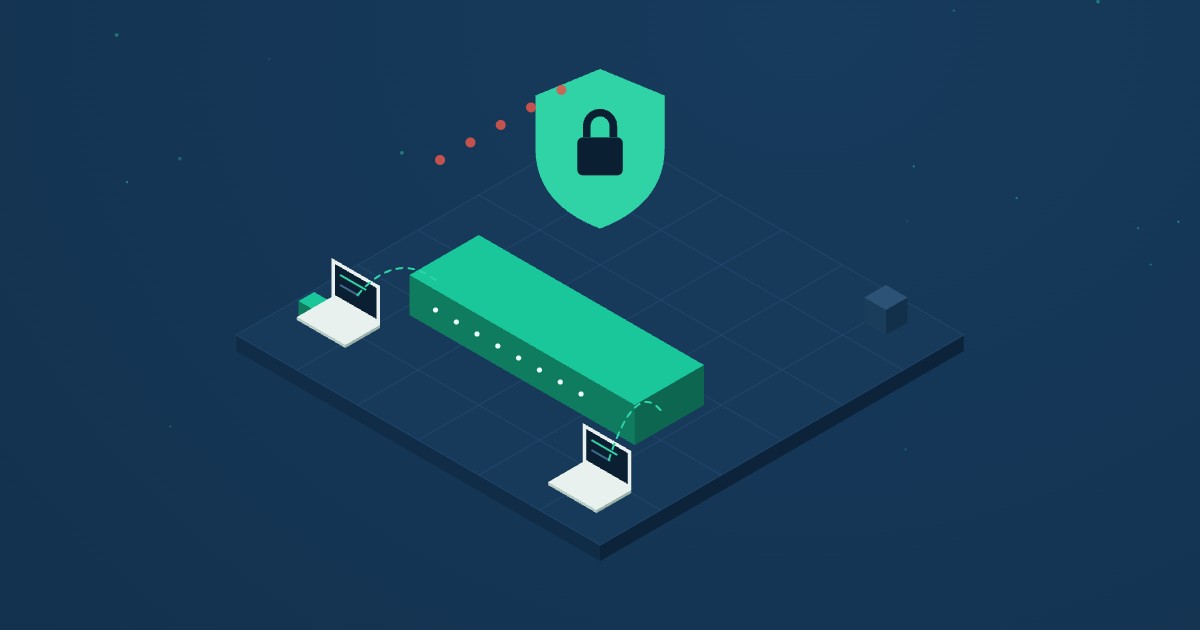
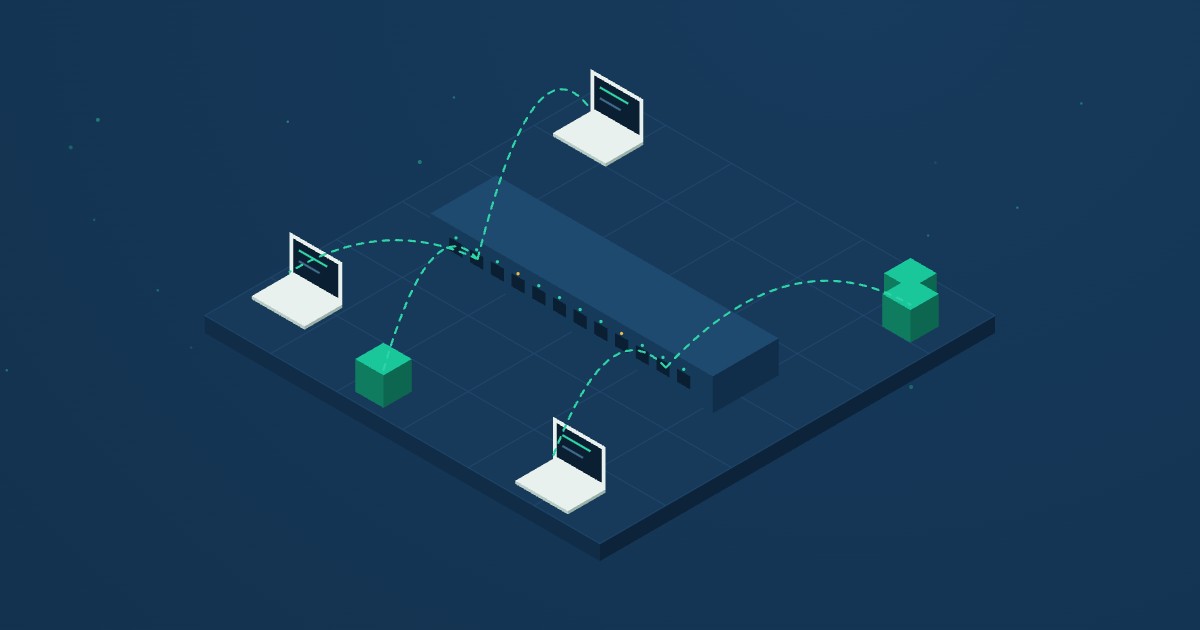
    Segmentation splits the network into separate zones, usually with VLANs, and lets the firewall decide what can talk to what. A guest phone can reach the internet but not your file server. A camera can reach its recorder but not your accounting system.

    Common zones

    • Staff computers
    • Servers
    • Guest Wi-Fi
    • Phones and voice equipment
    • Printers, cameras and building systems
    • Medical or industrial devices, where relevant

    Why it matters

    • It limits how far an attacker can move after getting in.
    • It keeps unmanaged devices away from sensitive data.
    • It helps with HIPAA and PCI requirements.
    • It makes troubleshooting easier.

    Most business firewalls, including Netgate and Meraki, support segmentation with the switches and access points you may already own.

    We design and implement network segmentation for offices, clinics and warehouses.

    Contact us or call (469) 299-4400.
  • VMware snapshots are not backups

    VMware snapshots are not backups

    Snapshots are one of the most useful features in VMware. Take one before a risky change, and you can roll back in minutes if something goes wrong. But we regularly find environments where snapshots are being treated as backups. They are not.

    Why snapshots are not backups

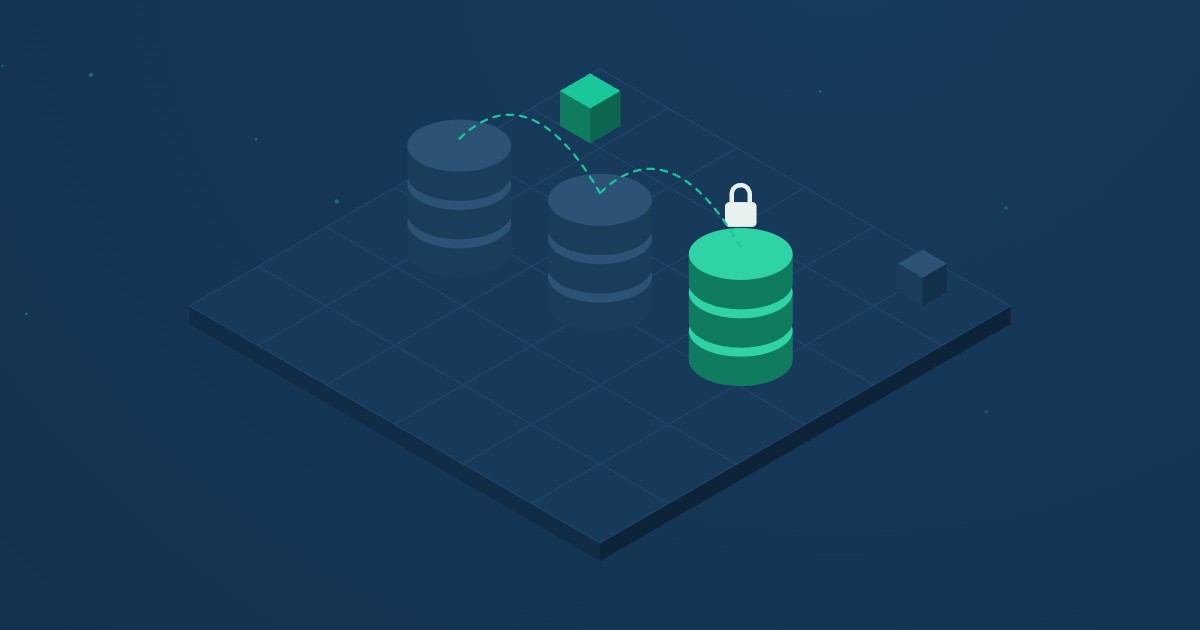
    • They live on the same storage as the virtual machine. If the storage fails, the snapshot is gone too.
    • They depend on the original disk. Corruption in the base disk affects every snapshot.
    • They are not off-site, not immutable and not protected from ransomware.

    The hidden cost of old snapshots

    A snapshot grows as data changes. Left for weeks, it can fill a datastore, slow the virtual machine and make the eventual cleanup take hours.

    Good snapshot habits

    1. Take a snapshot right before a change, and delete it once the change is confirmed good.
    2. Set an alert for snapshots older than a few days.
    3. Check that your backup software cleans up the snapshots it creates.
    4. Use real backups, with off-site and immutable copies, for recovery.

    We review VMware environments for old snapshots, storage risks and backup gaps. Ask about an infrastructure review.

    Contact us or call (469) 299-4400.

  • Multi-factor authentication: the one control every business needs

    Multi-factor authentication: the one control every business needs

    If we could ask every small business to do just one thing for security, it would be this: turn on multi-factor authentication, or MFA, everywhere it is available.

    Passwords get reused, guessed and stolen through phishing every day. MFA means a stolen password alone is not enough to get in.

    Where to turn it on first

    1. Email, including Microsoft 365 and any webmail.
    2. Remote access: VPN, remote desktop gateways and virtual desktops.
    3. Admin accounts for firewalls, servers, backups and cloud services.
    4. Banking, payroll and accounting systems.
    5. Line-of-business applications that hold customer or patient data.

    Choosing a method

    Authenticator apps and hardware keys are stronger than text messages. Text codes are still far better than nothing, but they can be intercepted or redirected.

    Rolling it out without disruption

    1. Start with administrators and leadership.
    2. Give staff a short guide and a date.
    3. Have a plan for lost phones and new hires.
    4. Turn off older sign-in methods that bypass MFA.

    Most teams adjust within a week, and the reduction in risk is enormous.

    We can review where MFA is missing in your business and help you roll it out.

    Contact us or call (469) 299-4400.
  • Seven signs your SQL Server needs a health check

    Seven signs your SQL Server needs a health check

    SQL Server tends to run quietly in the background until something goes wrong. By the time users complain, the problem has usually been building for months. These are the warning signs we look for.

    The seven signs

    1. Reports and screens that used to be fast now take noticeably longer.
    2. Transaction log files that keep growing, or disks that are always close to full.
    3. Backup or maintenance jobs that fail, or that nobody has checked in a long time.
    4. Blocking and timeouts during busy periods.
    5. A SQL Server version close to, or past, its end of support date.
    6. Many people logging in with the sa account or other shared logins.
    7. Nobody can say how long a full restore would take.

    What a health check covers

    • Configuration against best practice: memory, parallelism, tempdb and file layout
    • Index and statistics health, and the most expensive queries
    • Backup strategy, with a test restore
    • Security: logins, permissions and encryption
    • Version, patch level and licensing

    The result is a short, prioritized list. Many fixes are quick and make an immediate difference.

    Our On Demand DBA team runs SQL Server health checks for businesses that do not have a full-time DBA.

    Contact us or call (469) 299-4400.
  • How a fractional CTO can help an organization

    How a fractional CTO can help an organization

    A fractional CTO (Chief Technology Officer) is a senior technology executive who provides part-time or on-demand CTO services to organizations. Fractional CTOs can help organizations in several ways:

    1. Technology Strategy and Planning: Fractional CTOs can help organizations to develop a technology strategy that aligns with the organization’s overall goals and objectives. They can also help with technology planning, including budgeting, resource allocation, and technology roadmaps.
    2. Technical Leadership and Oversight: Fractional CTOs can provide technical leadership and oversight to ensure that technology projects are aligned with the organization’s goals and objectives. They can also help to identify technical risks and issues and develop strategies to mitigate them.
    3. Vendor Management: Fractional CTOs can help organizations to manage their technology vendors, including negotiating contracts and managing vendor relationships. They can also help with vendor selection and evaluation to ensure that the organization is getting the best value for its technology investments.
    4. Talent Management: Fractional CTOs can help organizations to build and manage their technology teams, including recruiting and hiring, performance management, and employee development. They can also help to identify skills gaps and develop strategies to address them.
    5. Innovation and Emerging Technologies: Fractional CTOs can help organizations to stay ahead of the curve by identifying emerging technologies and trends and evaluating their potential impact on the organization. They can also help to develop strategies for adopting and integrating new technologies into the organization’s existing technology stack.

    By utilizing the services of a fractional CTO, an organization can benefit from the expertise of a senior technology executive without having to hire a full-time CTO. This can result in improved technology strategy and planning, better technical leadership and oversight, more effective vendor management, and stronger technology teams.

  • What is cloud migration?

    What is cloud migration?

    Cloud migration is the process of moving an organization’s IT assets, such as applications, data, and infrastructure, from on-premises or legacy systems to cloud-based environments. Cloud migration can involve moving assets to public cloud providers like Amazon Web Services (AWS), Microsoft Azure, or Google Cloud, or to private cloud infrastructures.

    Cloud migration involves several stages, including planning, assessment, and execution. The planning stage involves defining the goals and objectives of the migration, determining the scope of the migration, and identifying the applications, data, and infrastructure to be migrated. The assessment stage involves analyzing the existing IT environment, identifying any issues or challenges that may impact the migration, and developing a migration strategy.

    The execution stage involves the actual migration of the IT assets to the cloud environment. This can involve several methods, such as rehosting, replatforming, or refactoring. Rehosting involves moving applications and infrastructure to the cloud without making any significant changes. Replatforming involves making minor modifications to the application or infrastructure to optimize it for the cloud environment. Refactoring involves rewriting the application or infrastructure to take advantage of cloud-native features and services.

    Cloud migration can provide several benefits for organizations, including improved scalability, flexibility, and cost-effectiveness. By moving to the cloud, organizations can scale their IT resources up or down as needed, without having to invest in expensive on-premises hardware. They can also take advantage of cloud-based services and tools to improve efficiency and productivity. However, cloud migration can also present some challenges, such as security risks, data privacy concerns, and compatibility issues with existing systems. It is important for organizations to carefully plan and execute their cloud migration strategy to ensure a successful transition.

  • How an on-demand DBA can help an organization

    How an on-demand DBA can help an organization

    An on-demand DBA (Database Administrator) is a professional who provides database management services on an as-needed basis. These professionals can help organizations in several ways:

    1. Database Design and Architecture: An on-demand DBA can help an organization to design and implement a database architecture that is optimized for the organization’s specific needs. They can ensure that the database is scalable, secure, and efficient.

    2. Performance Optimization: On-demand DBAs can help organizations to optimize the performance of their databases. They can analyze the performance metrics of the database and make recommendations for improving the performance.

    3. Backup and Recovery: On-demand DBAs can help organizations to set up backup and recovery procedures to ensure that data is protected in case of a disaster. They can also perform regular backups and tests to ensure that data can be recovered in case of an outage.

    4. Security: On-demand DBAs can help organizations to implement security measures to protect their databases from unauthorized access. They can set up user permissions, implement encryption, and monitor access logs to ensure that the database is secure.

    5. Monitoring and Maintenance: On-demand DBAs can monitor the database to ensure that it is running smoothly. They can perform regular maintenance tasks, such as updating software and performing security patches.

    By utilizing the services of an on-demand DBA, an organization can ensure that their databases are optimized for performance, secure, and well-maintained. This can result in increased productivity, improved data accuracy, and reduced downtime.